


Quick note: The video above was our first Live Build / Community Call where I took people behind the scenes in what I’m building and as one subscriber said “a window into your thinking.” Really enjoyed it and will be doing more of them soon.
Last week I taught a four-day Claude Code training. Close to 200 people live each day, 600 registered. Creative strategists and copywriters, most of them brand new to any of this.
Day one wasn’t the fun part. Day one was just getting everybody installed. I wasn’t about to throw a copywriter into a terminal, so we worked inside the Claude desktop app... and even that was a fight. Getting some folks to install the app got a bit dicey.
But somewhere around day two, I noticed something pretty cool.
The site I was teaching from kept getting better, and I hadn’t planned for it to. Every night, it rewrote itself.
Here’s what happened…
After each day, I’d grab the transcript. The whole thing. Plus the chat, plus every question anybody asked. And I’d hand it all to Claude Code and ask:
Based on this, what did people need that I didn’t cover? Is there a better way to structure these resources based on the questions people were asking? What do I need to expand on? What do I need to simplify?
Then I’d tell it to build those resources and drop them into the site.
By the next morning, yesterday’s questions were pages on the site.
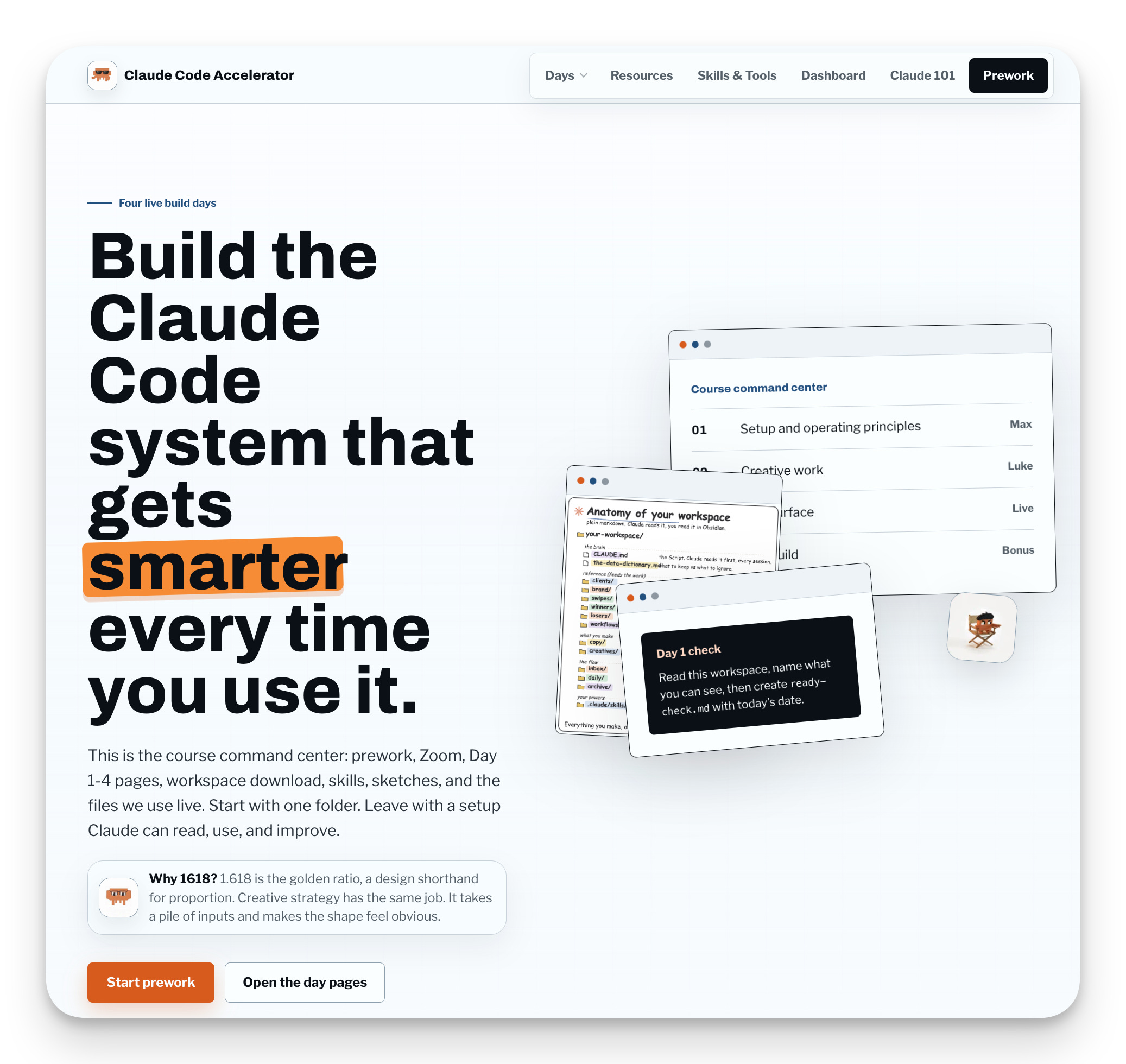
Somebody asked about Firecrawl and Exa, two tools I hadn’t planned to touch. So after we wrapped, I said go pull the docs for both and build me a comparison chart, side by side. Next morning, there it was, sitting in the resources.
Another day I recorded a two-minute video after the call, handed it to Claude, and said embed this nicely right here. The people who missed that part live could now watch it sitting exactly where it belonged.

The site got smarter off real feedback. Not off what I guessed people would need ahead of time. And the part that still makes me grin... day three was about building websites in Claude Code. The site I was teaching from was built in Claude Code. So I just pulled up the actual files and showed everybody how the thing they were looking at got made.
Now think about where a course normally lives.
You build it, then you pour it into Kajabi or Circle or Skool, and from that point on you’re working inside their box. Their modules. Their layout. Their idea of what a lesson is supposed to look like.
And sure, maybe you update yours now and then. But you’re doing it within their model. Figure out a better way to teach it halfway through and you’re fighting the template just to rebuild it.
Mine wasn’t capped, and it wasn’t boxed. The site rewrote itself almost in real time. A question from the afternoon’s call was a new page that night, sitting right where it belonged.
I was able to build the exact flow, the exact look, the exact learning experience I wanted. The structure bent to the lesson instead of the lesson bending to the platform.
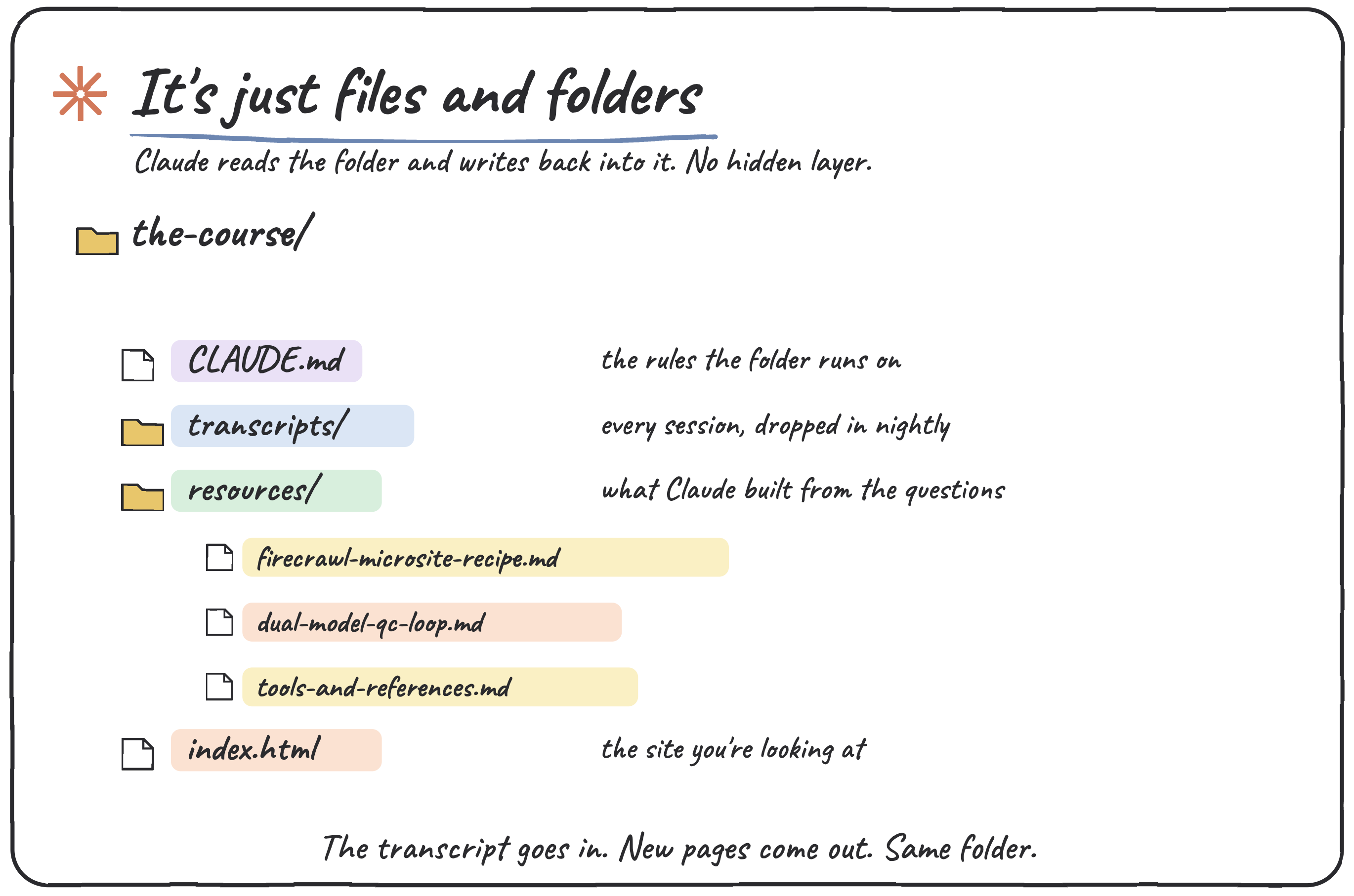
And before you decide this is some elaborate setup only I could pull off... it isn’t. The whole thing is just files and folders on your computer.
That’s the line I hammered every single day. As crazy as Claude Code looks, strip it back and it’s just files and folders on your computer.
You point it at a folder, and that folder is everything it can see.
You open the same folder in Obsidian for a nicer view... still the same folder.
There are only ever those two moves, and everything happens inside the folder.
So the teaching site was a folder. The transcript went into the folder. Claude read the folder and wrote new files back into it.
There’s no hidden layer.
There’s a folder, and a model that can read and write inside it.
Once you see it that way, the question stops being “could I build this” and turns into “what do I point it at.”
So now you’ve got the idea.
A living folder beats a boxed-in platform, and the engine is a nightly loop. Feed it what actually happened. Ask what’s missing. Let it build while you sleep.
But, knowing that and running it are two different things.
You still need to know:
How to make Claude Code’s output not look like generic AI slop.
How to turn a flat strategy doc into something that looks like your client’s own brand.
How to catch your own mistakes before a client does, without trusting one model to grade its own homework.
That’s what’s below, an upgraded version of what I talked about on the call.
I pulled three resources straight out of that training. Each one’s a thing you can run in the next twenty minutes.
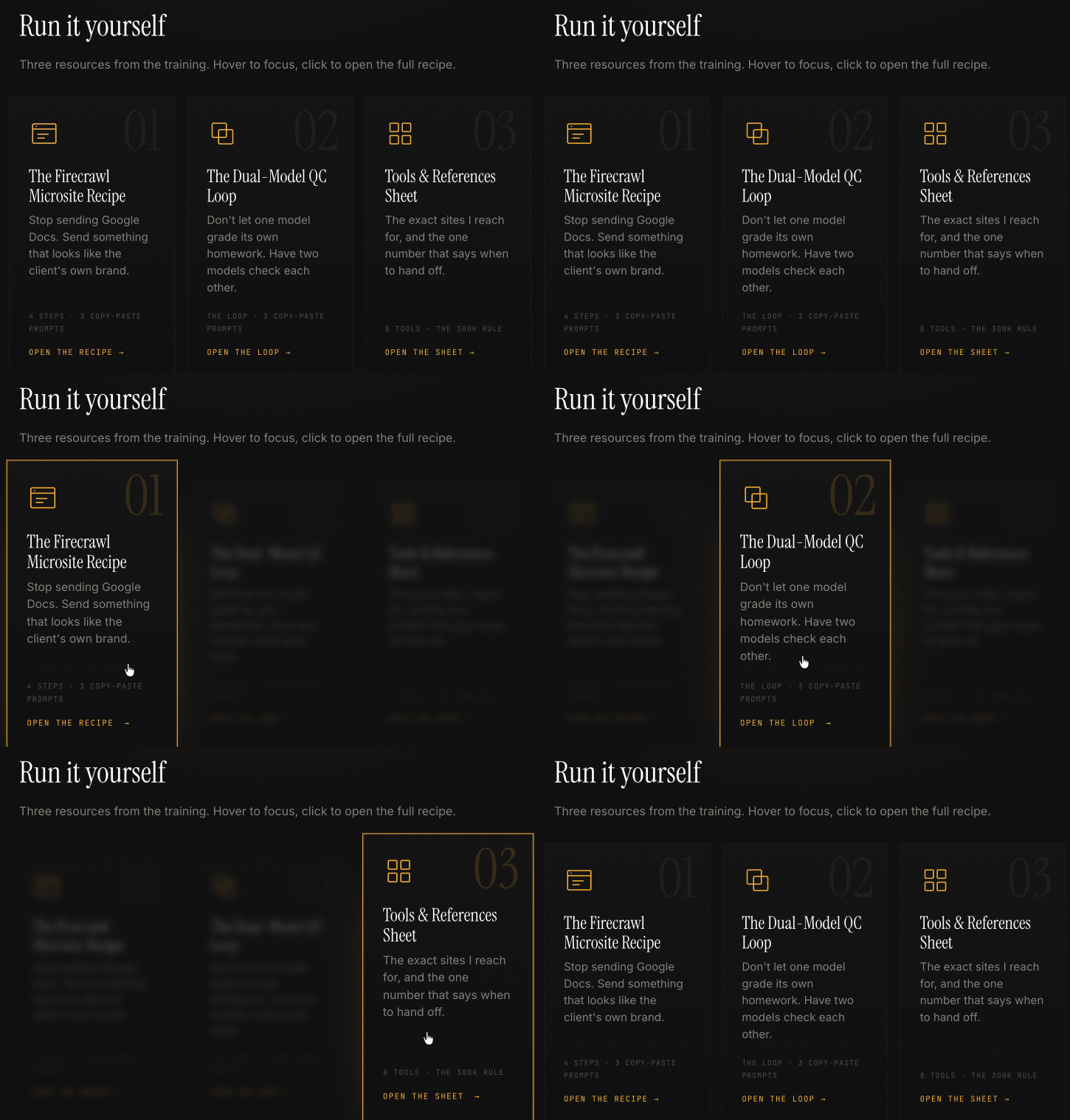
The Firecrawl Microsite Recipe
How I stopped sending Google Docs and started sending interactive sites that look like the client’s own brand, built from their real assets. The exact steps, including the part where it pulled product shots off a retail shelf I never set foot in.The Dual-Model QC Loop
How I have Claude write a review prompt grounded in the actual codebase, then hand it to Codex to tear the work apart, so two models check each other instead of one model approving itself. Includes the fix for a trap one of my sharper students caught live.The Tools & References Sheet
The exact sites I reach for... where I get design inspiration so the output doesn’t read as AI-made, where I pull official AI logos, and the one context-window number that tells me when to hand off before the model goes dumb.
So point Claude at a folder. Hand it yesterday. Ask what’s missing.
Then go look at what it built while you slept.
-Max
P.S. I got some really good feedback from the people on the call but after you watch it, let me know what you think.
I am planning to do more of these but like the course, I want to make sure it fits into the box that you want.


